Features
Part of What to know before a wheelchair accessible trip: chair measurements, transfers and repair plans
A camera on a wheelchair accessible trip: what it has to prove
A wheelchair accessible trip camera record has to prove the route works, so shoot the entrance, threshold, elevator and restroom at seated height.
What to take away
- Shoot at seated height. A standing photograph flattens the ramp and hides the threshold.
- Put something for scale in every frame, then write the measurement in the caption.
- Five frames per placeentrance, threshold, route, restroom with the door open, and the surprise.
- Photograph the barrier, not the disabled person standing next to it.
- Ask before photographing anyone, and say where the image will go.
Two kinds of picture come home from these trips. One is the view you went for. The other is the record that tells the next traveler whether the place works.
The second is the one almost nobody shoots and everybody wants. Inside a hotel room that record has its own six frames, and the bathroom comes first.
Shoot from the chair, not from standing
This is the failure that ruins the whole set. A photograph of an entrance taken from standing height flattens the ramp, hides the threshold and drops the curb out of frame.
Hold the camera at your own eye level in the chair. If you are walking, crouch to roughly 120 centimeters. The frame then shows what an approaching wheelchair user sees, which is the only thing the next reader can use.
The five frames
Two minutes per place covers it.
- The entrance from the pavement, showing the approach and any level change.
- The threshold, close, with something in frame for scale.
- The route inside, showing width and whatever blocks it.
- The accessible restroom with the door open, showing the transfer space and which side the grab bar sits on.
- The surprise, whatever it wasthe heavy door, the ramp with no landing, the lift with a step into it.
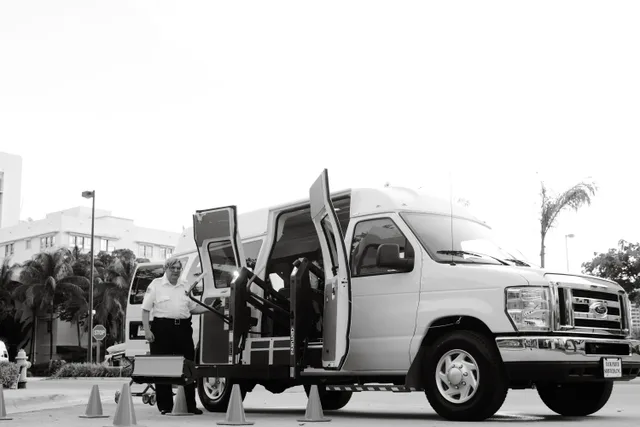
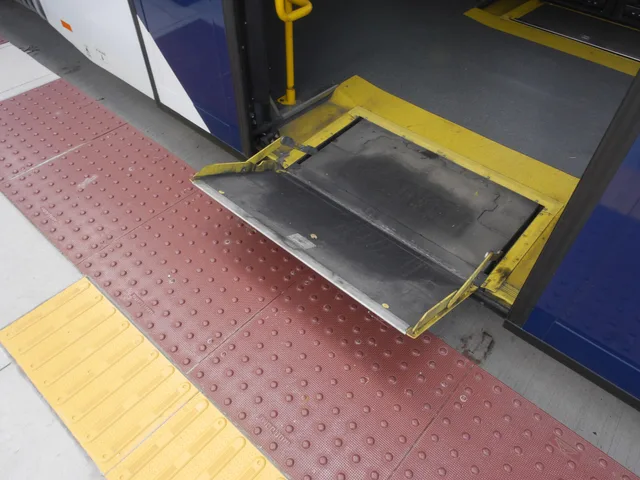
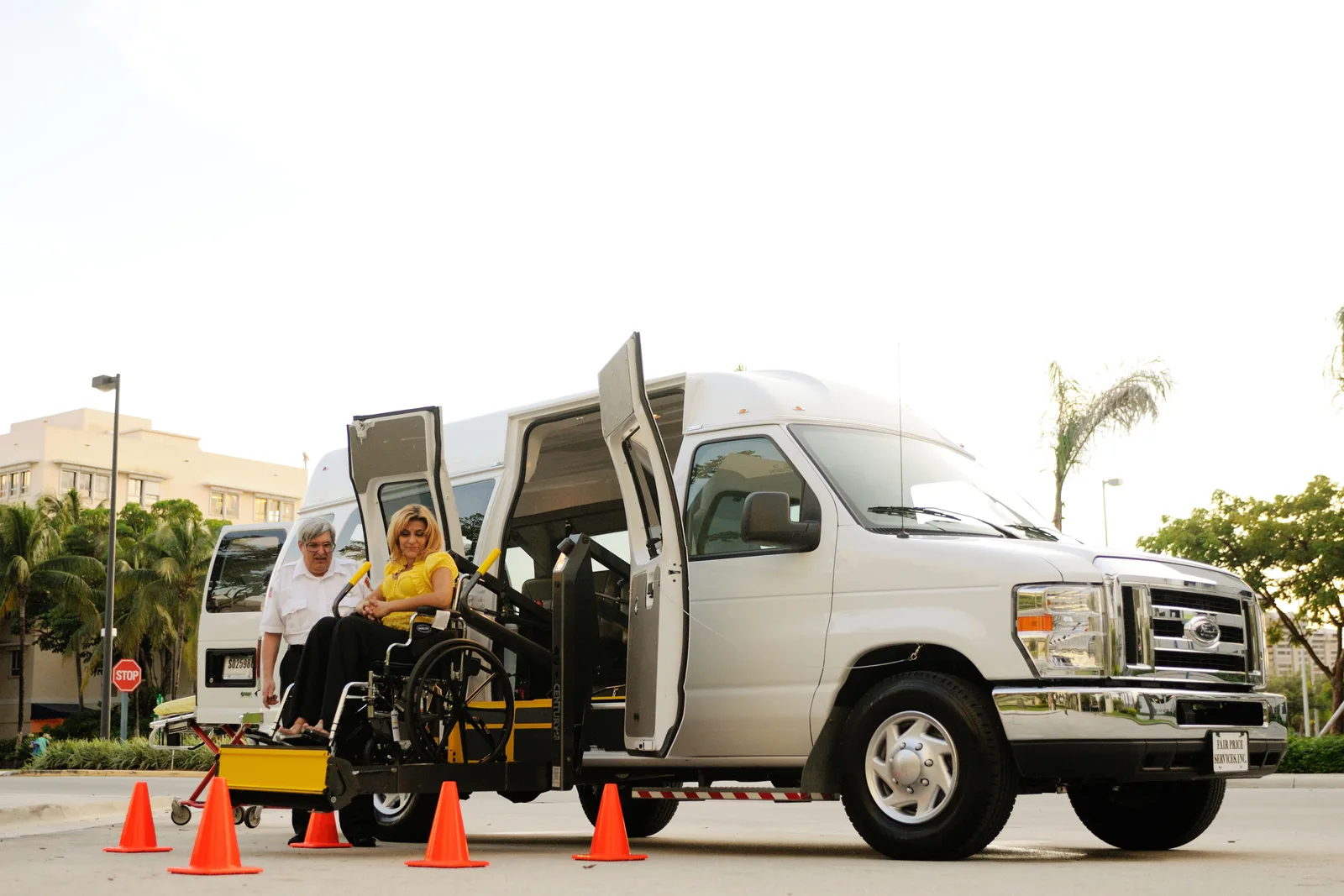
Transport earns a sixth frame. Shoot the gap and height difference at a platform, a vehicle ramp deployed, the securement area on a bus.
Scale, or the picture says nothing
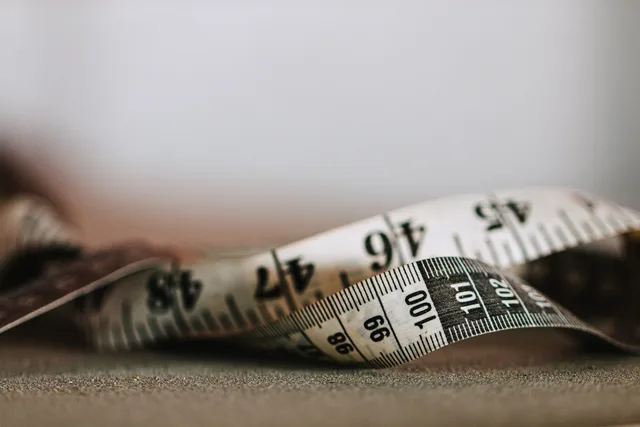
An access photograph without scale is decoration. Put a standard object in the frame, or lay your hand flat against the surface.
Better, put the number in the caption. A photograph plus "door 81cm clear" beats either one alone, because the next traveler can compare it to their own chair.
| Frame | What it has to show | Caption line |
|---|---|---|
| Entrance | Approach, level change | Slope, any step |
| Threshold | Gap, lip, scale object | Clear width |
| Route | Width, obstruction | Narrowest point |
| Restroom | Transfer space, grab bar side | Door clear width |
| Surprise | The thing that failed | What it was |
The view you came for
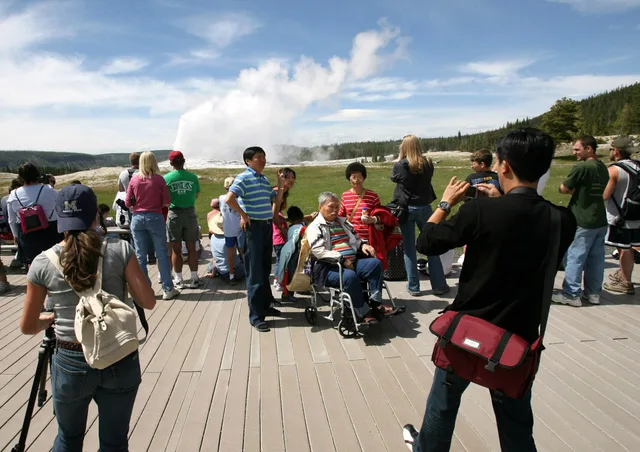
Accessible viewpoints exist, and the parks name them precisely enough to plan a morning instead of arriving hopeful.
Glacier's accessibility pages list accessible viewpoints, trails and facilities. Rocky Mountain does the same in its own pages, including which paved trails and overlooks are usable and where accessible parking sits relative to them.
Plan the light around those places. You cannot walk twenty steps left for a better angle.
Photographing people
Ask first, and be specific about where the image will go. Some workplaces require staff to get permission before appearing in a published photograph, so ask them too.
Never photograph another disabled traveler as an illustration of a barrier. Photograph the barrier. People notice the difference immediately.
Captions that do work
Place, date, what is shown, the measurement, and what you could not verify. A folder of unlabeled access photographs helps nobody, including you six months later.
Sharing the set
Post the access frames alongside the pretty ones. Venue reviews, forums and mapping projects all take them, and this is the material that cuts somebody else's research from an evening to ten minutes.
It runs the other way too. The travelers and local groups who post that material are the fastest way to research a place you have never been.
The wider planning sits in the practical planning steps, and the ideas worth trying suggest trip shapes that produce good photographs without emptying the day.
Common questions
Do I need permission to photograph a restroom?
Ask staff, briefly. Nobody objects once you explain it is for access information, and asking avoids alarming anyone who walks in behind you.
Is a phone enough?
Entirely, for the access set. It is wide, fast, and already in your hand when the door opens.
What about photographing staff?
Ask. Most agree, and some workplaces require permission before an employee appears in a published image.
Should I photograph a venue that failed?
The barrier, yes, and factually. Keep it about the building rather than the people working in it, and note the date, since venues fix things.